ThinkPHP微信公众号开发(二)
自定义菜单和申请测试公众号
开发公众号不可或缺的四个工具:
1、微信官方文档--》进入
2、微信接口调试工具--》进入
3、微信测试号入口--》进入
4、微信公众号后台入口--》进入
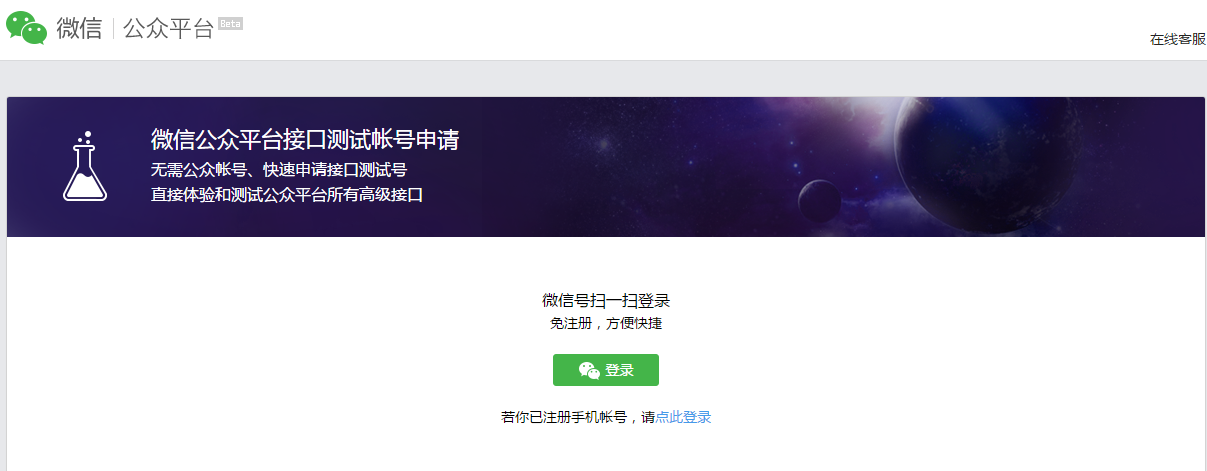
没有公众号的情况下,微信提供了测试公众号,可直接体验和测试公众平台一样的高级接口
首先申请一个微信测试号
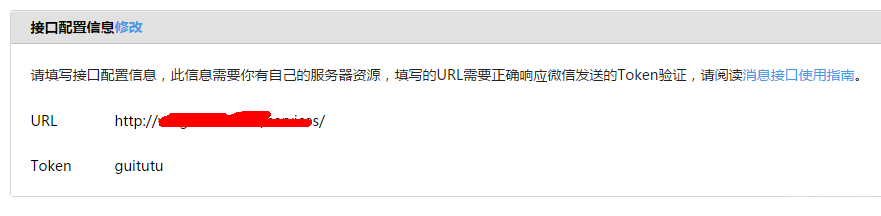
接口配置按照 ThinkPHP微信公众号开发(一)配置
在生成自定义菜单之前需要先要定义一个通用curl方法来与微信服务端通信,代码如下:
public function http_curl($url,$type='get',$res='json',$arr=''){
        $ch = curl_init();
        curl_setopt($ch, CURLOPT_URL, $url);
        curl_setopt ($ch, CURLOPT_SAFE_UPLOAD, false);
        curl_setopt($ch, CURLOPT_SSL_VERIFYPEER, FALSE);
        curl_setopt($ch, CURLOPT_SSL_VERIFYHOST, FALSE);
        curl_setopt($ch, CURLOPT_RETURNTRANSFER, 1);
        if($type=='post'){
            curl_setopt($ch, CURLOPT_POST , 1);
            curl_setopt($ch, CURLOPT_POSTFIELDS ,$arr);
        }
        $output = curl_exec($ch);
        curl_close($ch);
        if($res=='json'){
            if( curl_errno($ch) ){
                return curl_error($ch);
            }else{
                return json_decode($output,true);
            }
        }
    }
接下来用curl方法来拿access_token ,需要用AppId和AppSecret来换取(AppId和AppSecret在后台可以找到),access_token的调用次数是2000次/每天,所以可以用session存一下
public function get_access_token($appid=null,$appsecret=null,$clear=0){
        //种session,避免重复调用
       if($_SESSION['access_token'] && $_SESSION['expire_time'] > time() && $clear==0){
            return $_SESSION['access_token'];
       }else{
            $url = "https://api.weixin.qq.com/cgi-bin/token?grant_type=client_credential&appid=你自己的appid&secret=你自己的appsecret";
            $res = $this->http_curl($url,'get','json');
            $access_token = $res['access_token'];
            $_SESSION['access_token'] = $access_token;
            $_SESSION['expire_time'] = time()+7000;
            return $access_token;
       }
}
接下来写自定义生成菜单的代码块,这个数据格式一定要参照官方文档,多看文档
public function menu(){
        header('content-type:text/html;charset=utf-8');
        $access_token=$this->get_access_token();
        $url="https://api.weixin.qq.com/cgi-bin/menu/create?access_token=".$access_token;
        $postArr = array(
            "button" => array(
                array(
                    "name"=>urlencode("淘宝"),
                    "type"=>"view",
                    "url" => "http://www.taobao.com",
                ),
                array(
                    "name"=>urlencode("百家"),
                    "sub_button"=>array(
                        array(
                            "name"=>urlencode("百度"),
                            "type"=>"view",
                            "url" => "http://www.baidu.com",
                        ),
                        array(
                            "name"=>urlencode("腾讯"),
                            "type"=>"view",
                            "url" => "http://www.qq.com",
                        ),
                        array(
                            "name"=>urlencode("阿里云"),
                            "type"=>"view",
                            "url" => "http://www.aliyun.com",
                        )
                    )
                ),
                array(
                    "name"=>urlencode("天猫"),
                    "type"=>"view",
                    "url" => "http://www.tmall.com",
                )
            )
        );
        $postJson = urldecode( json_encode($postArr));
        $res = $this-> http_curl($url,'post','json',$postJson);
        dump($res);
 }
然后在浏览器中运行menu方法,成功会返回如下code码
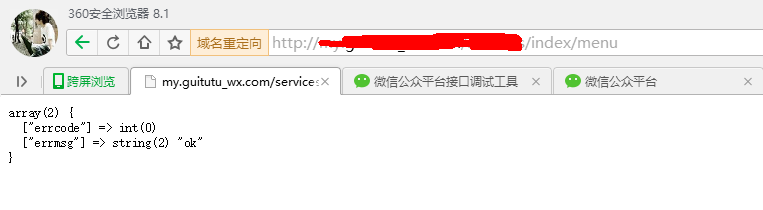
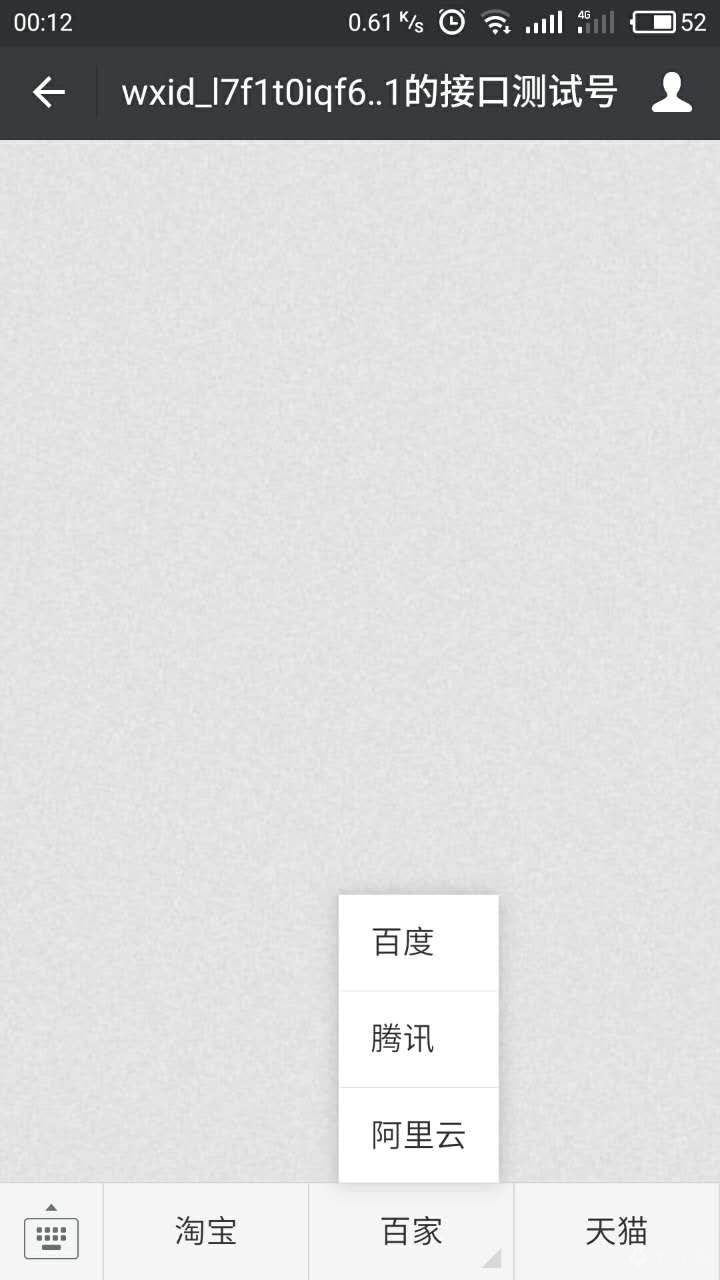
然后重新进入你的微信测试号菜单就生成好了